Getting Started with LuciLink
Follow 4 steps to start mobile development with AI.
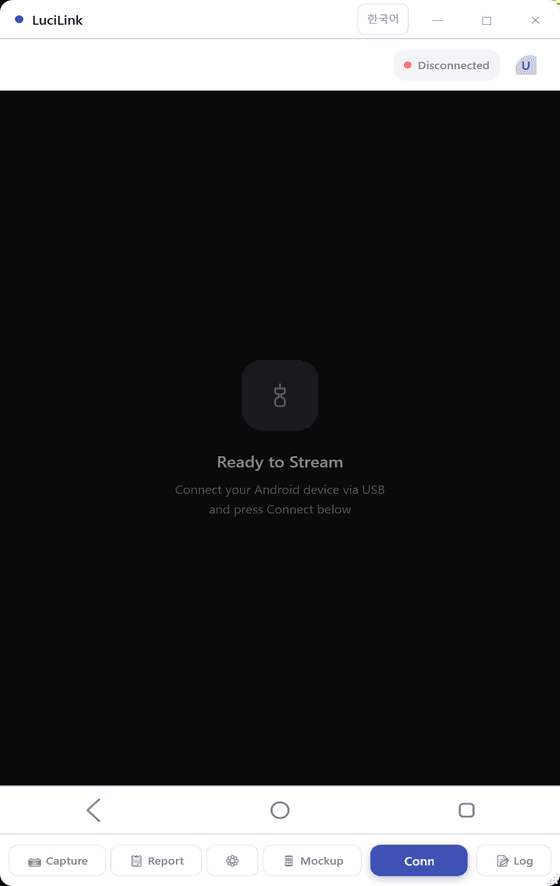
USB Debugging & Connection
Enable USB Debugging in Android Settings > Developer options.
Tap Build number 7 times → Enable Developer options
Turn on both USB debugging + USB debugging (Security)
Connect via USB, then Refresh → Connect in LuciLink.
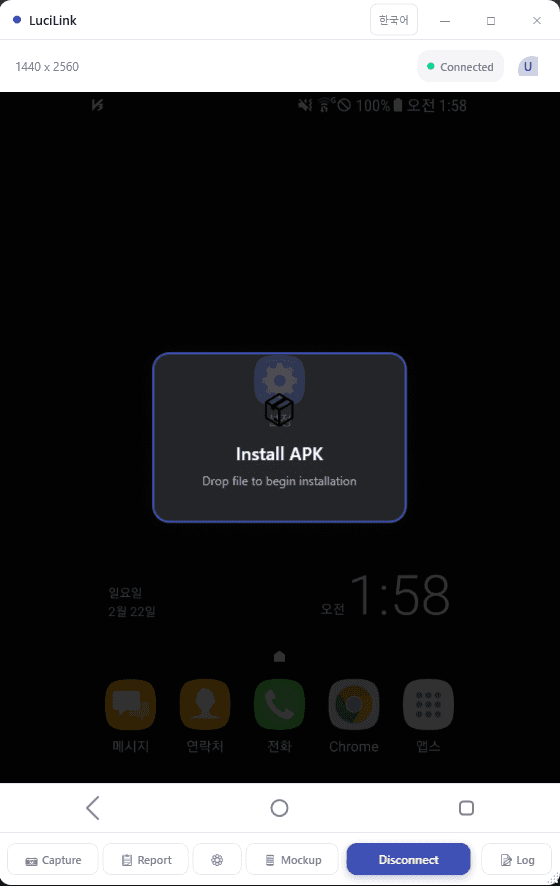
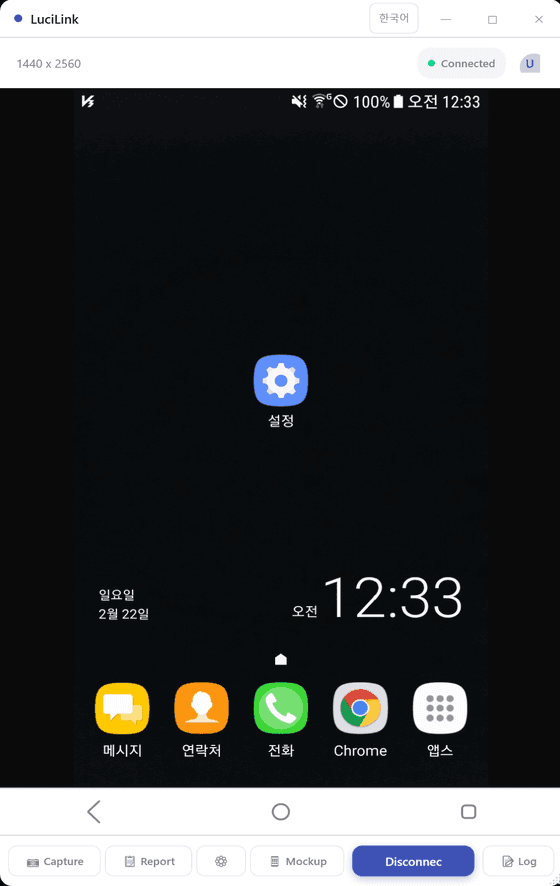
Screen Mirroring & APK Install
Your phone screen appears on PC instantly. Control it with mouse and keyboard.
Drag and drop the AI-built APK onto the mirroring window for instant install and launch.
AI Pointing & MCP Integration
AI Pointing
Click target icon → Select UI element → Tell AI "change this button color"
Error Capture
Click bug icon → Screen + Logcat copied to clipboard → Paste into AI chat
All data stays on your local network.
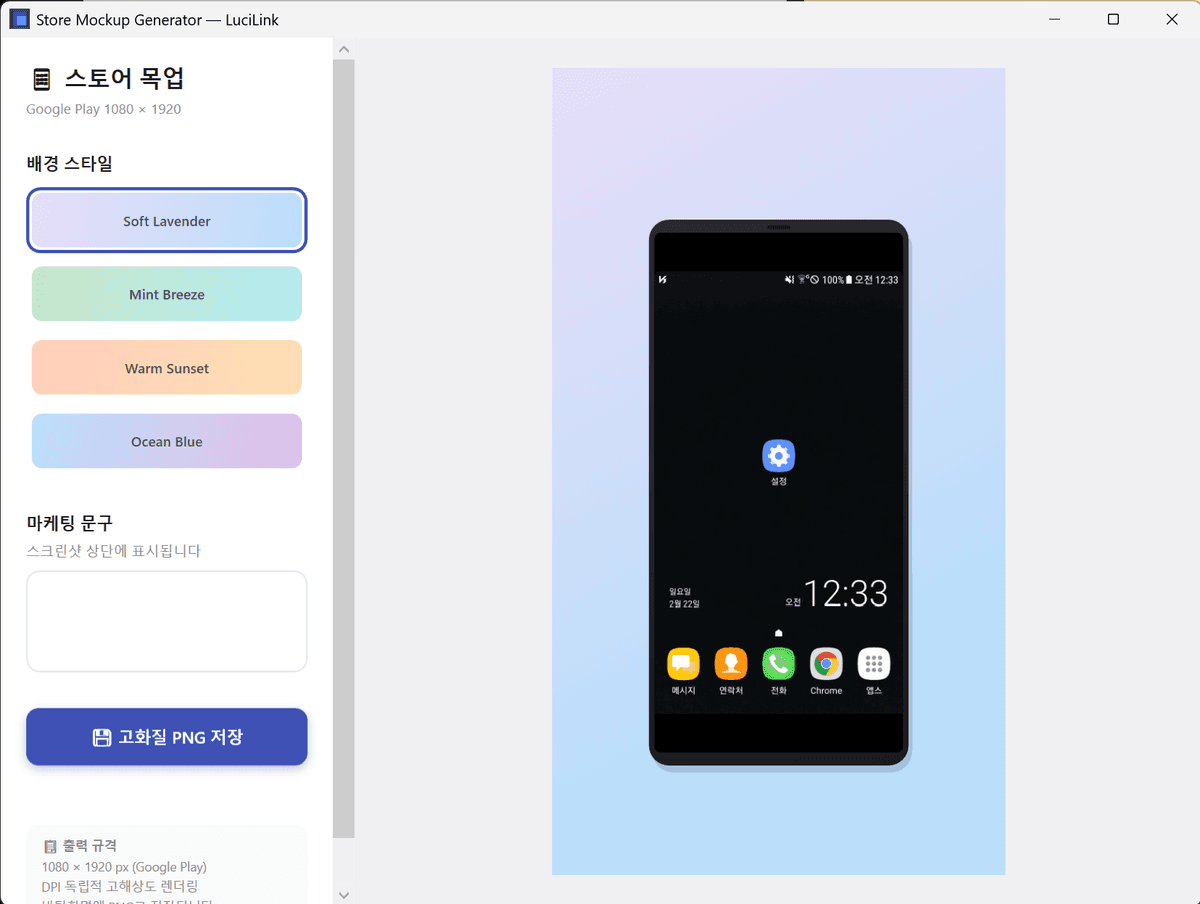
Smart Mockup Generation
One click on the frame icon transforms the current screen into a professional smartphone mockup.
Prepare App Store screenshots without Photoshop.